UX / Product Design
MyDayCare
Redesigning Parent Communication for Modern Childcare
Product Designer & UX Lead
UX / Product Design
Redesigning Parent Communication for Modern Childcare
Product Designer & UX Lead
The Challenge
The existing MyDayCare system relied heavily on paper-based communication methods, including forms, paper reports, and informal messaging. Parents lacked visibility into their child’s daily activities, while teachers struggled with inefficient documentation processes.
This created three core problems:
The challenge was not just to design an app, but to reimagine how communication, trust, and transparency could be built through thoughtful digital design.
Context
MyDayCare is a mobile platform designed to bridge the communication gap between parents and childcare providers by offering real-time updates, structured documentation, and transparent tracking into a child’s daily experience. The redesign focused on improving usability, visual clarity, and operational efficiency while strengthening trust and engagement between parents, teachers, and administrators.
As the lead Product Designer, I was responsible for the end-to-end design process, from research and strategy to interaction design, visual execution, and design handoff.
Contribution
Product Designer & UX Lead
Collaborators included daycare owners, teachers, administrators, and parents.
Process
I began by understanding the real needs of parents, teachers, and administrators through interviews and observations.
From this research, I created user personas and journey maps to identify critical moments where the app could add the most value.
Structure
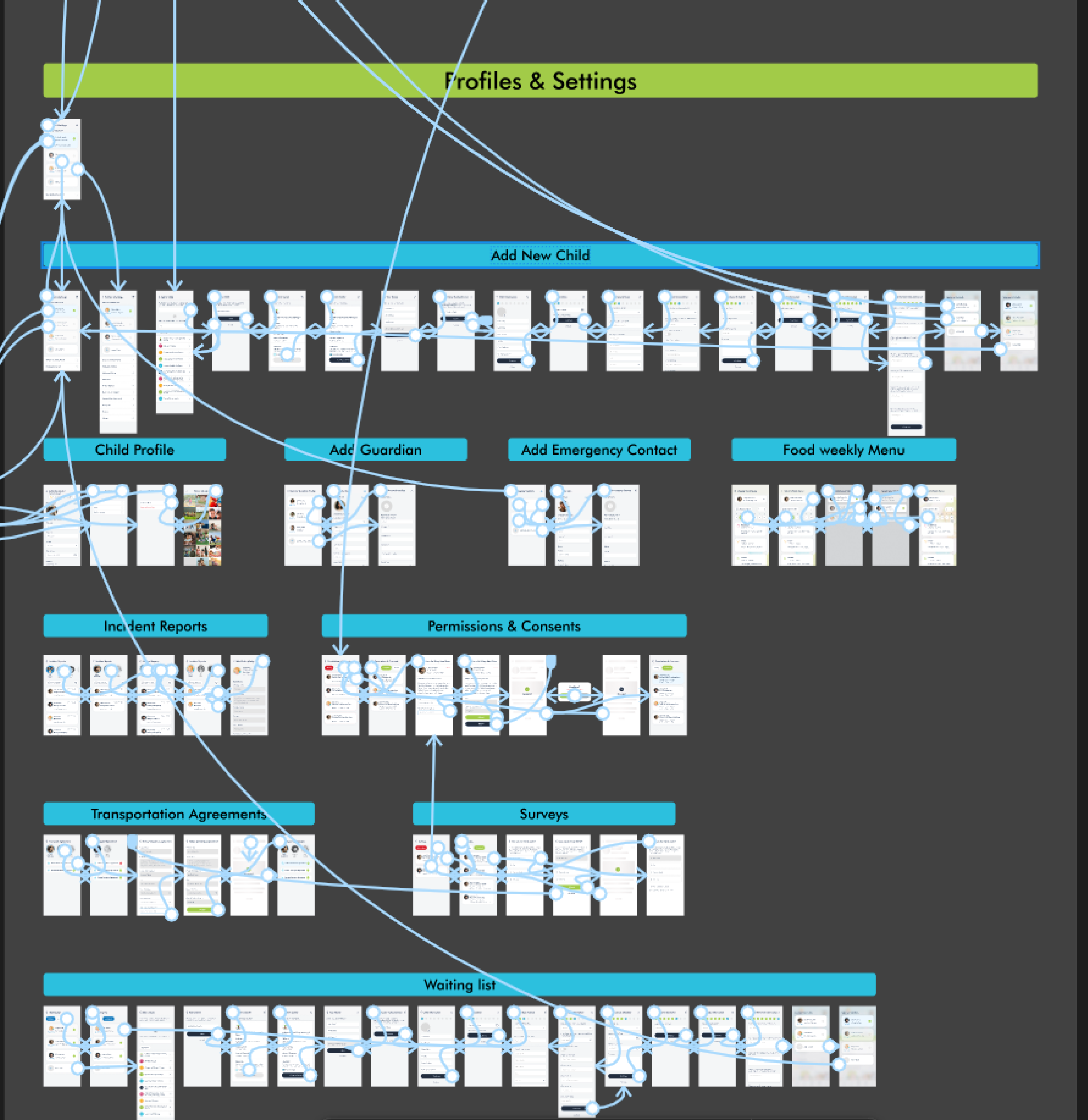
I developed a clear and logical structure for the app that grouped features into intuitive categories: Daily Activities, Messaging and Communication, Attendance and Billing, Child and Parent Profiles, Calendar and Scheduling, Notifications and Alerts, and Accessibility Settings.
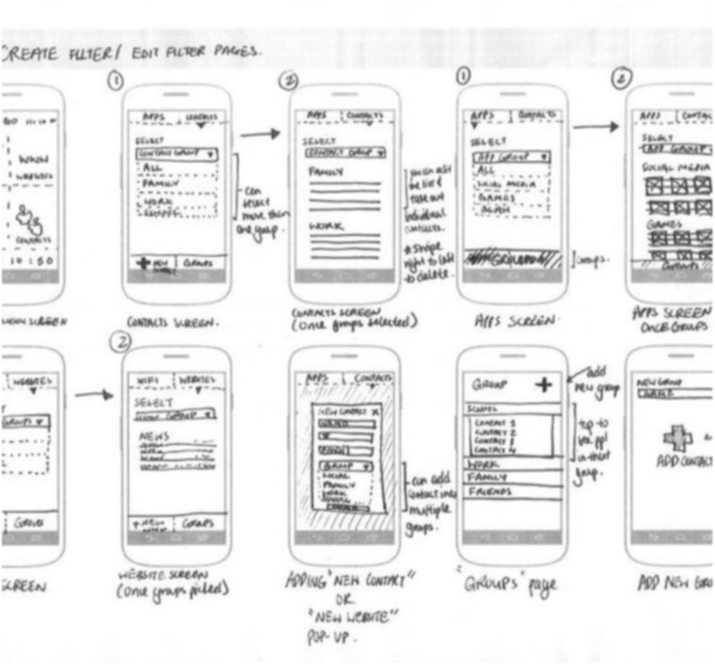
Low-fidelity wireframes helped validate flows and usability early with stakeholders before moving into high-fidelity design.
Identity
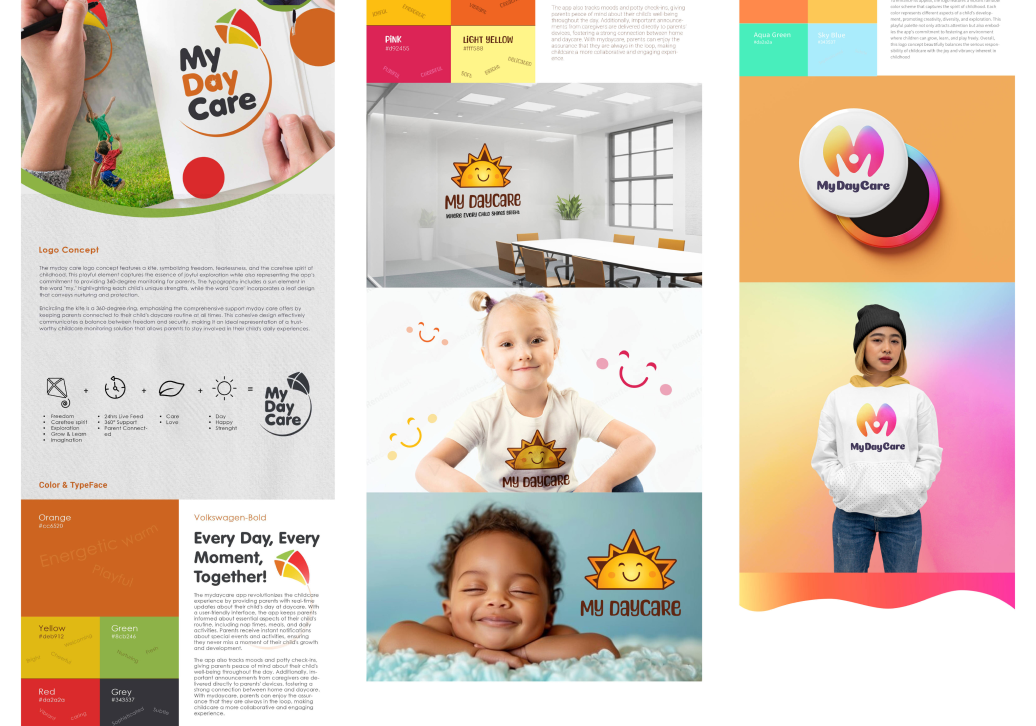
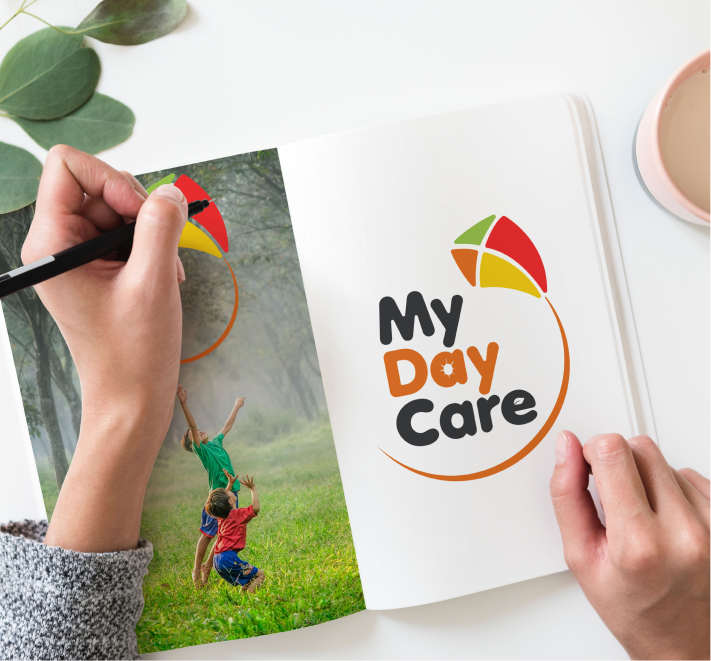
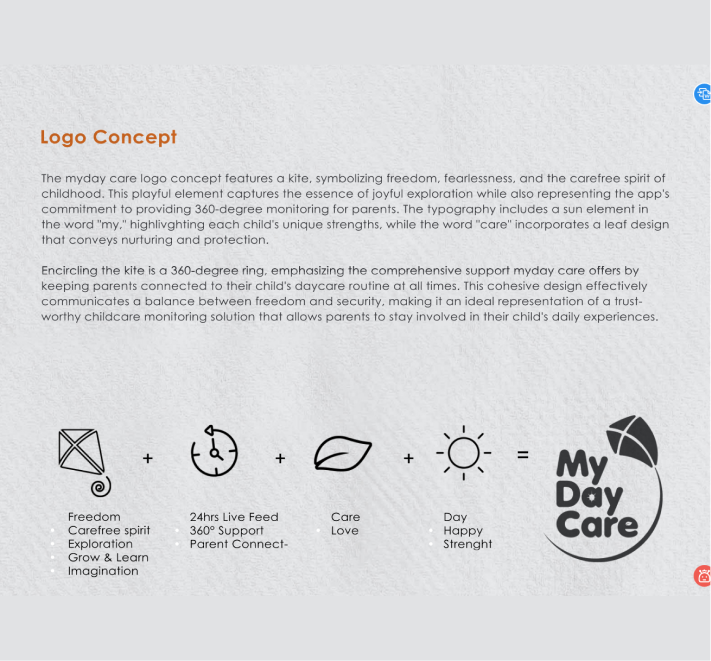
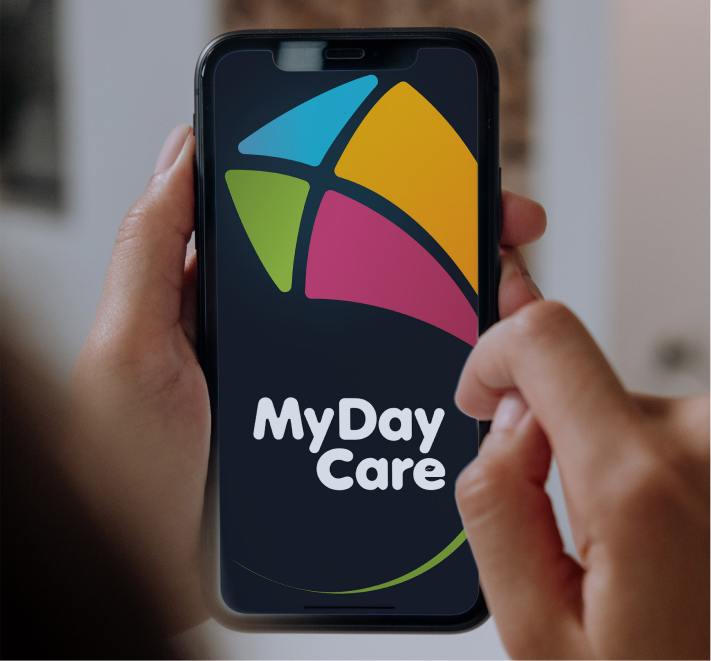
I developed a new brand identity for MyDayCare, including a modern logo and visual language that felt warm, trustworthy, and professional.
The UI design prioritized:
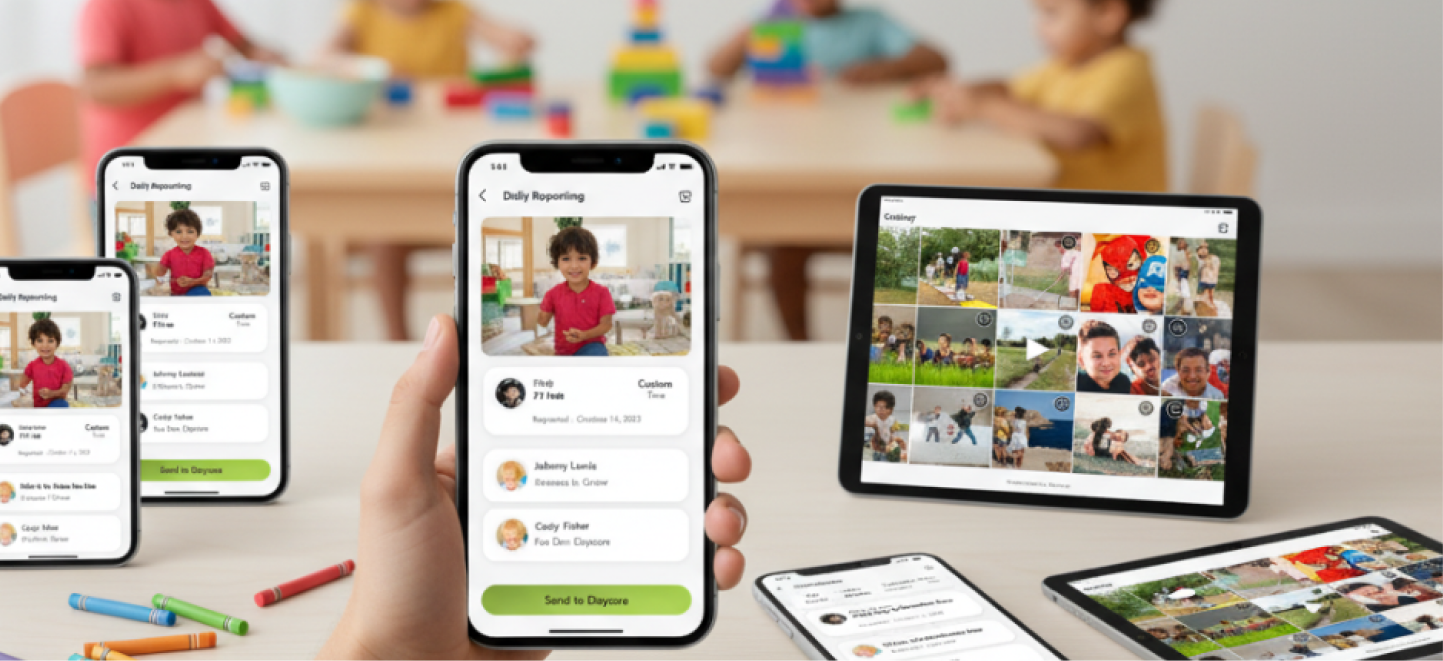
High-fidelity prototypes were created in Figma to demonstrate how the final product would look and feel.
Solution
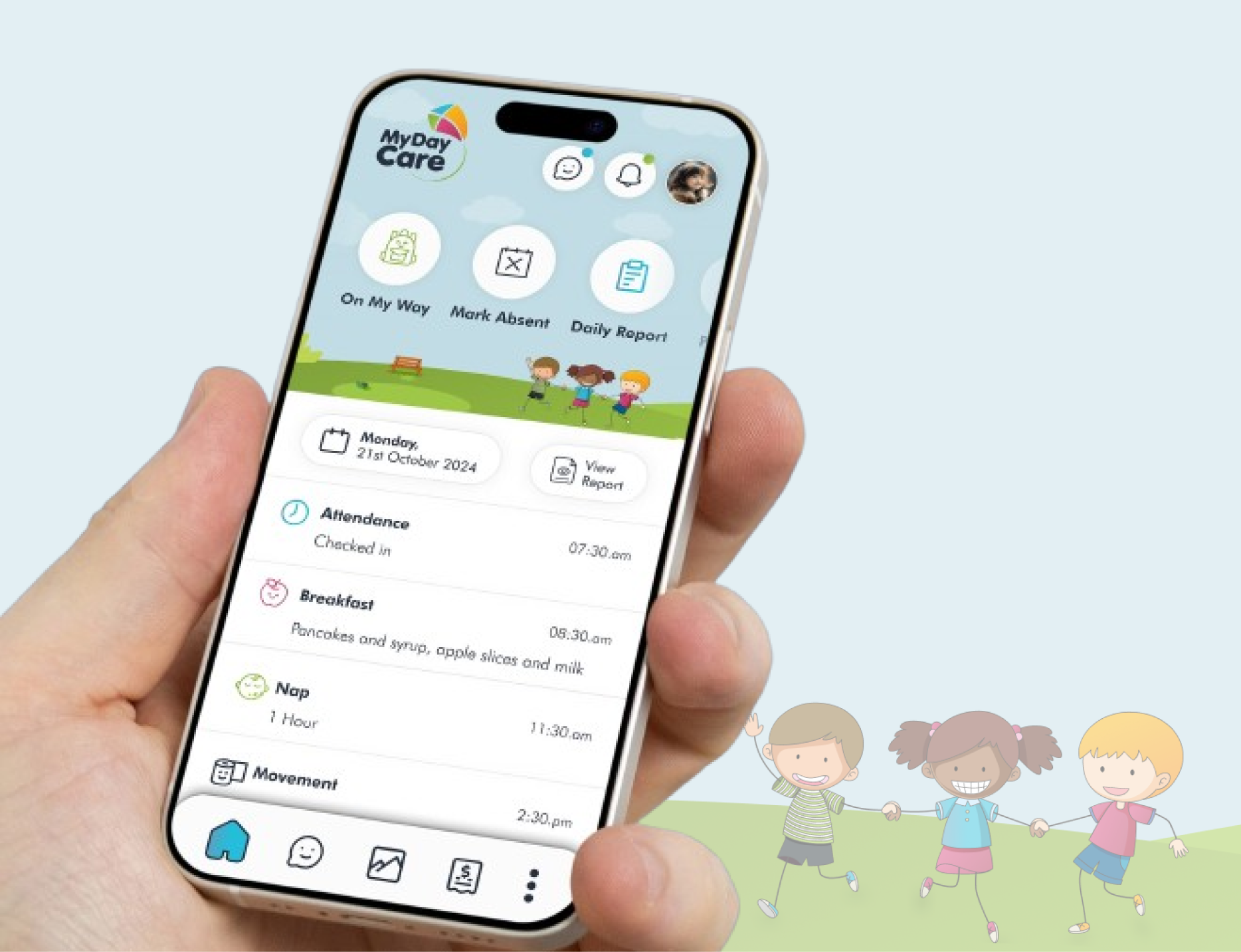
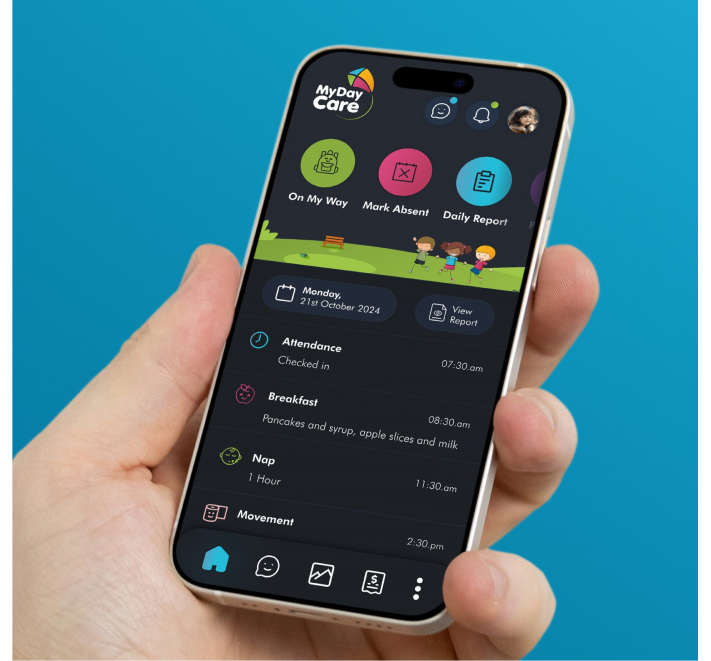
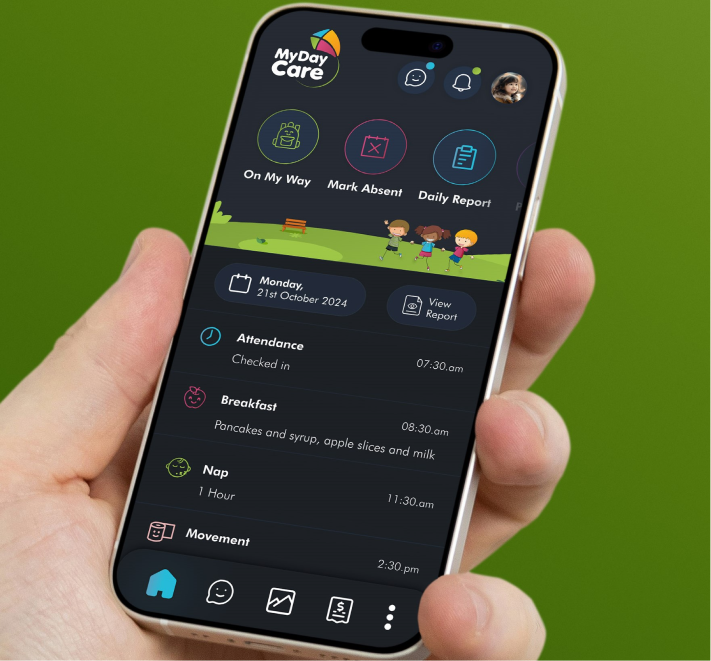
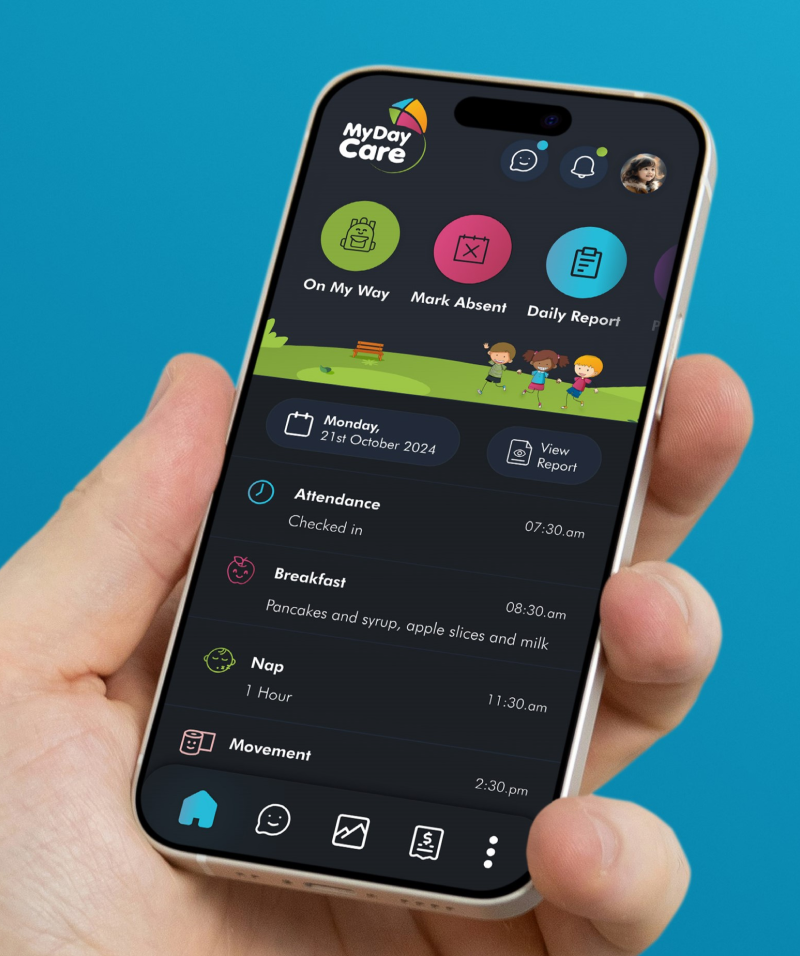
Transformed generic activity logs into rich, personalized daily reports that highlight meaningful moments in a child’s day — meals, naps, learning activities, and milestones.
Created a secure messaging system so parents and teachers could stay connected throughout the day with photo sharing, notes, and important status updates.
Designed clear screens for tracking attendance, viewing invoices, and managing payments — reducing admin time and improving transparency.
Ensured high contrast modes, clear typography, and adjustable text sizes so the app remains usable for a wider range of parents and caregivers.
Validation
I built interactive prototypes in Figma and conducted usability testing with parents, teachers, and administrators.
Key improvements from testing included:
These iterations ensured the final design was both functional and intuitive.
Prototyping: Product Demo →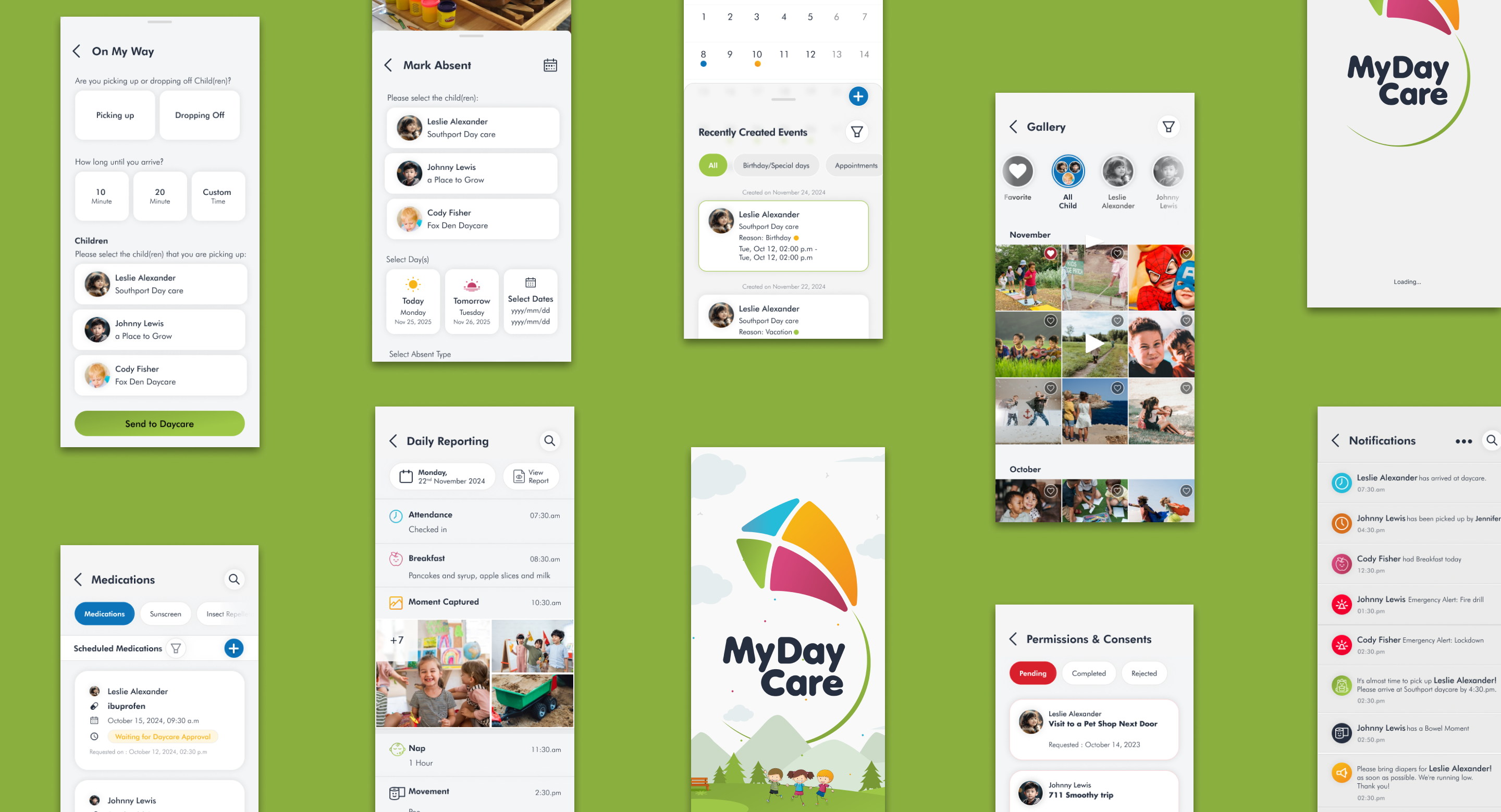
Available Now